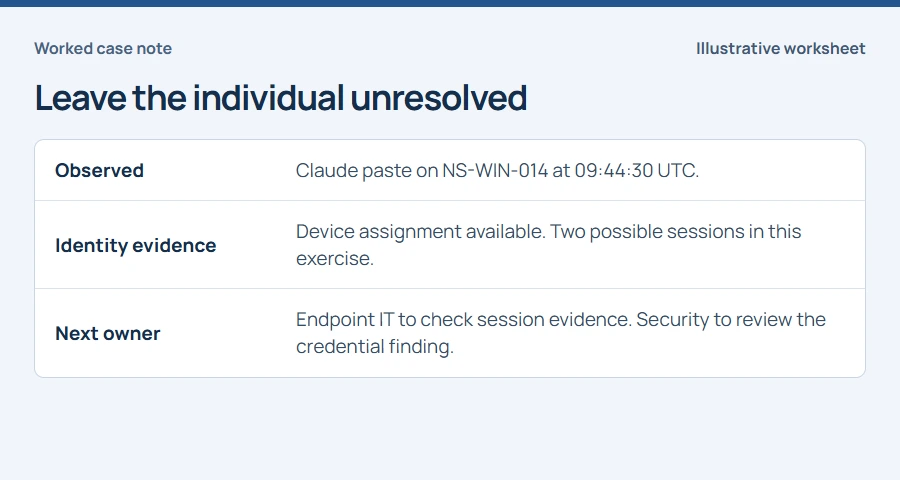
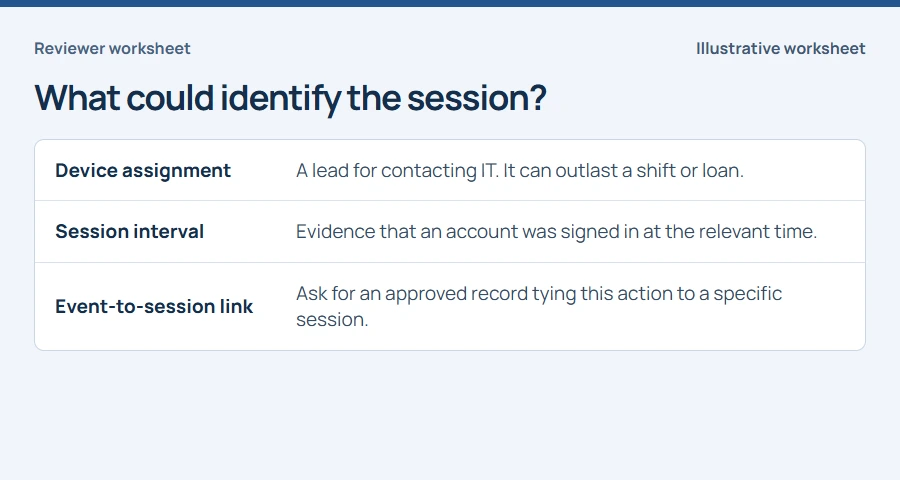
A device assignment identifies whom to ask. A personal attribution needs evidence from the event time.
- Keep the tenant, device, UTC time and receipt ID together.
- Check overlapping sessions and shared accounts.
- Give each unresolved question an owner.
In this article
Start with the hostname on the ticket#
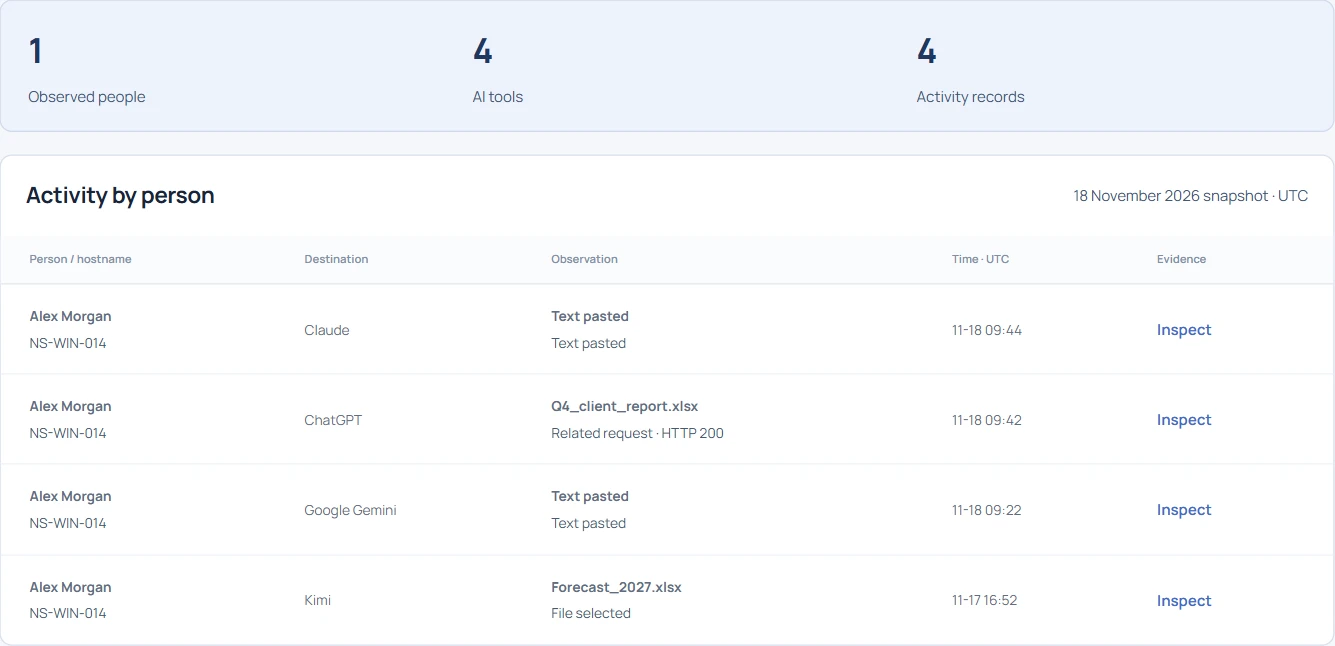
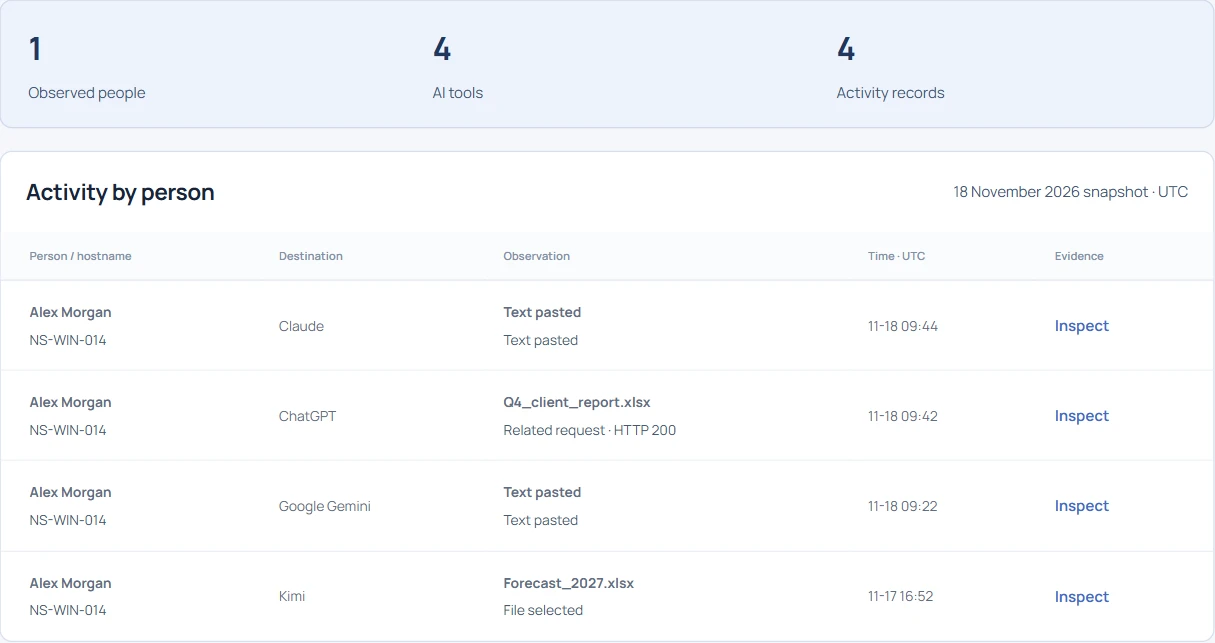
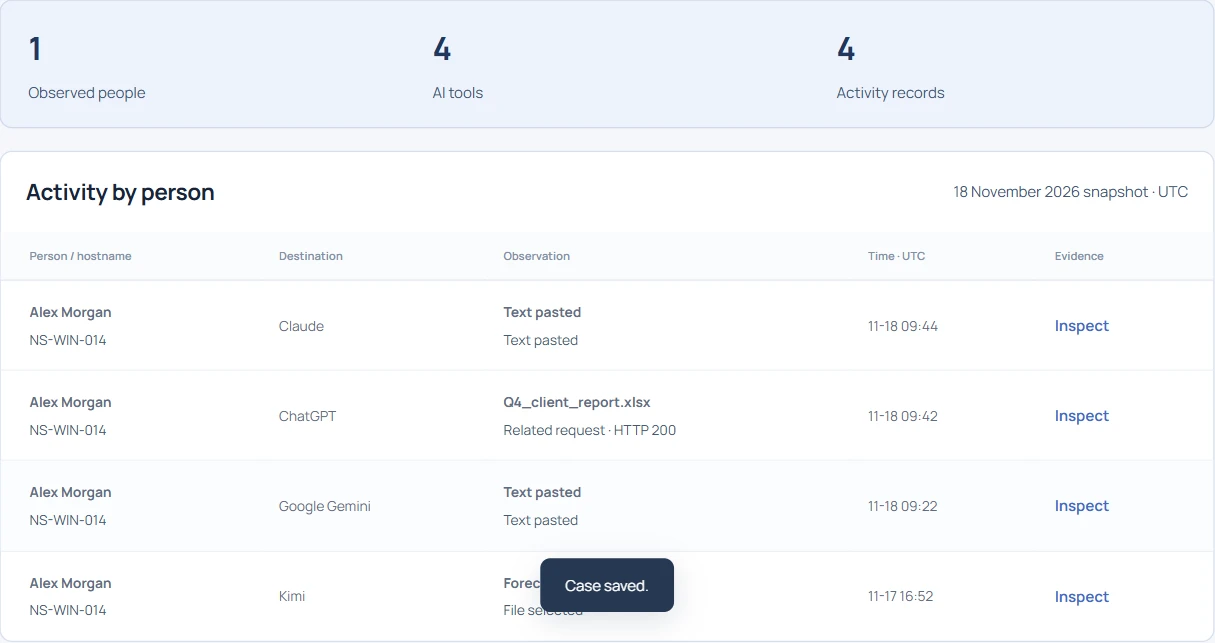
Suppose a help desk reports a possible API key paste on a Finance laptop shared across shifts. The machine is assigned to Alex Morgan in inventory. Open Individual AI usage in the public demo and search for NS-WIN-014. Record the hostname and tenant. If a laptop has been renamed or reassigned, ask IT to verify its enrollment and assignment at the time of the event.
Pin down the exact action and time#
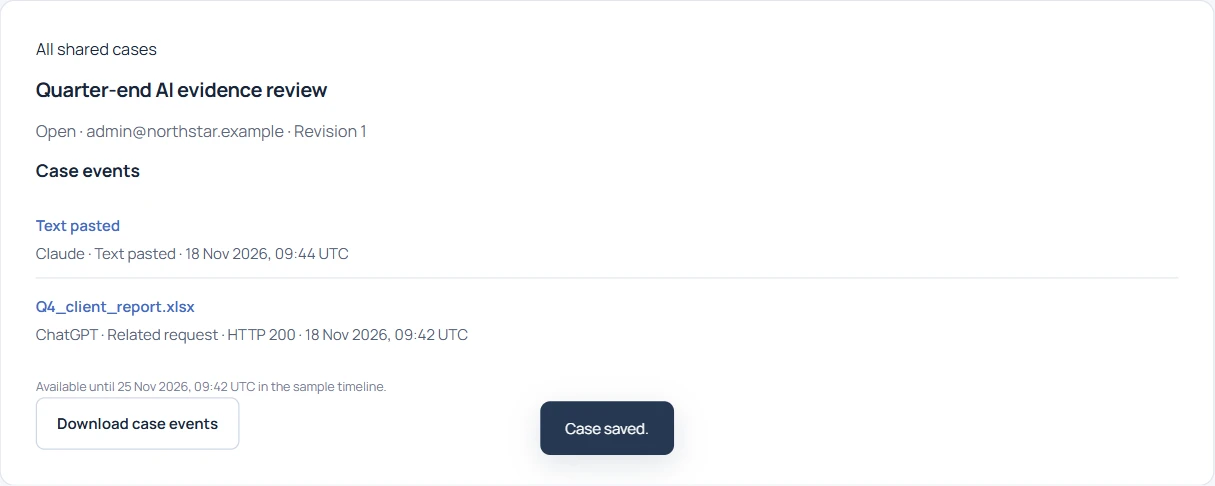
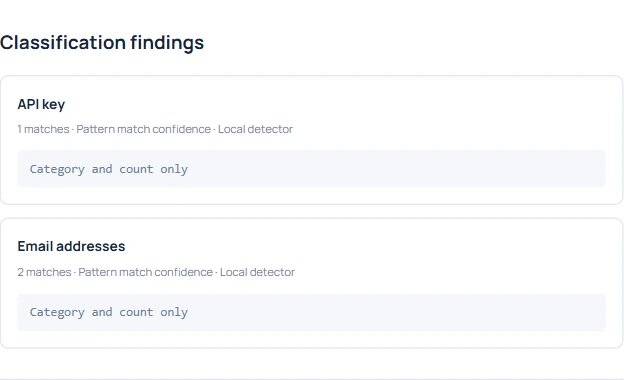
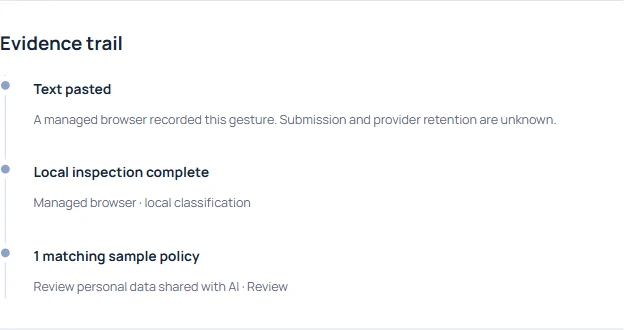
Choose the Claude paste at 09:44:30 UTC on November 18. Keep EVT-1051, the destination and the action together. An earlier Gemini paste on the same device has its own receipt. A search result under a person’s name can be useful for locating both rows, but the inventory assignment alone cannot identify who was at the keyboard.
What if two Windows sessions overlap?#
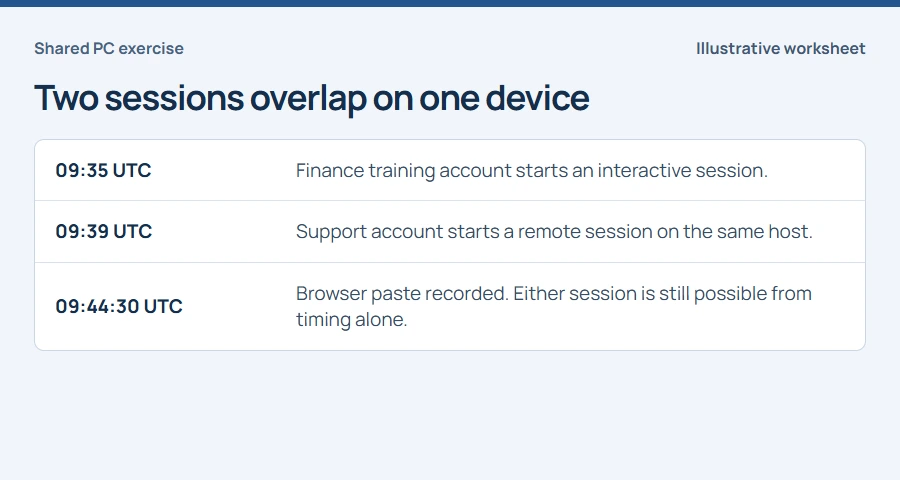
On a shared workstation a local session may stay signed in while a support technician connects remotely. In the exercise, both logons precede the paste. Review the target device, time zone, target account and logon type in the approved Windows audit source. Microsoft documents interactive and remote-interactive types in event 4624. Network or service logons can also appear in that log.
Which account can the records support?#
Where auditing is available, pair the logon and logoff records by logon ID on the same machine within the same boot. Normalize the times and record any clock uncertainty. A missing logoff leaves the interval open. If the browser receipt lacks a trustworthy session identifier, or the team used a shared Windows credential, keep individual attribution unresolved. A known account may still be used by several people.
Keep the exposure review moving#
Give the credential owner the event reference, tool, time and detector category. They can evaluate the possible exposure under their existing process. Keep prompt submission, credential validity and individual identity as separate questions. A help desk can route all three without recording the original pasted value.
Write a ticket the next reviewer can defend#
Record the strongest statement you can support today. For this exercise it is a paste recorded on NS-WIN-014 at 09:44:30 UTC with an API-key pattern match. Route session verification to endpoint IT. Record the source and reason for any later attribution, including corrections, so the next reviewer can see how the conclusion changed.