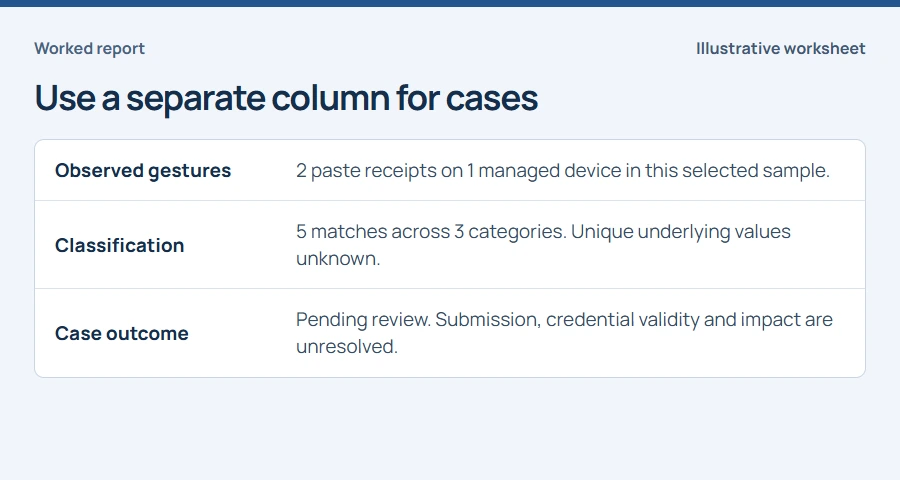
Two sample pastes produced five matches. Each number answers a different question.
- Use distinct event IDs to count observed gestures within a tenant.
- Add the findings for each category to count pattern occurrences.
- Use the review process to decide how many incidents to report.
In this article
Choose the unit before opening the report#
A security manager asks how often sensitive text was pasted into an AI tool. Define your reporting window, tenant, enrolled device population and supported browser scope. Count distinct paste receipts with a finding for the observed-gesture total. Keep a second column for pattern matches and a third for incidents your team has reviewed. The two receipts in this exercise are a selected example from NS-WIN-014.
Read the three matches on Claude#
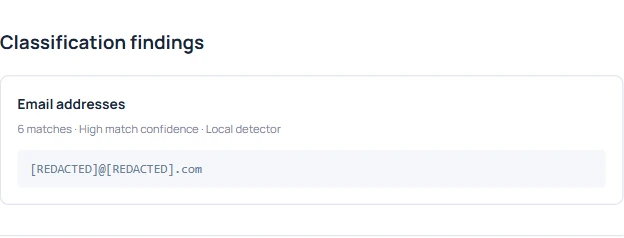
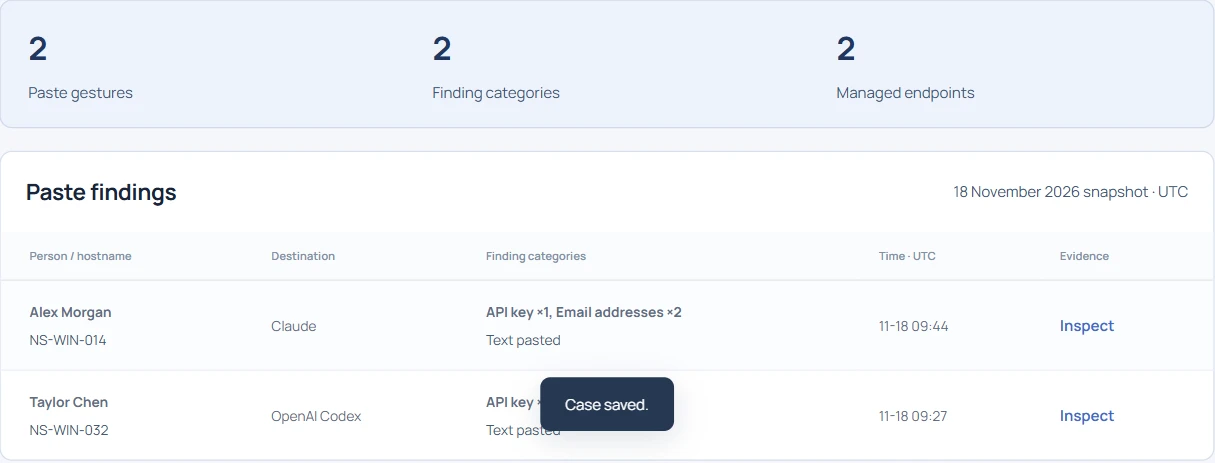
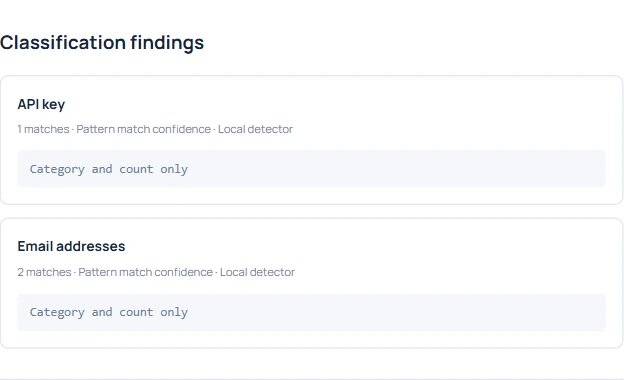
Open Sensitive pastes and search for Claude. The local detector found one key-shaped value and two email occurrences on EVT-1051. Counting the findings as separate employee actions would turn one observed paste into three. Category totals alone cannot tell whether the key was valid, whether an address repeated or whether the employee sent the prompt.
Read the second receipt on Gemini#
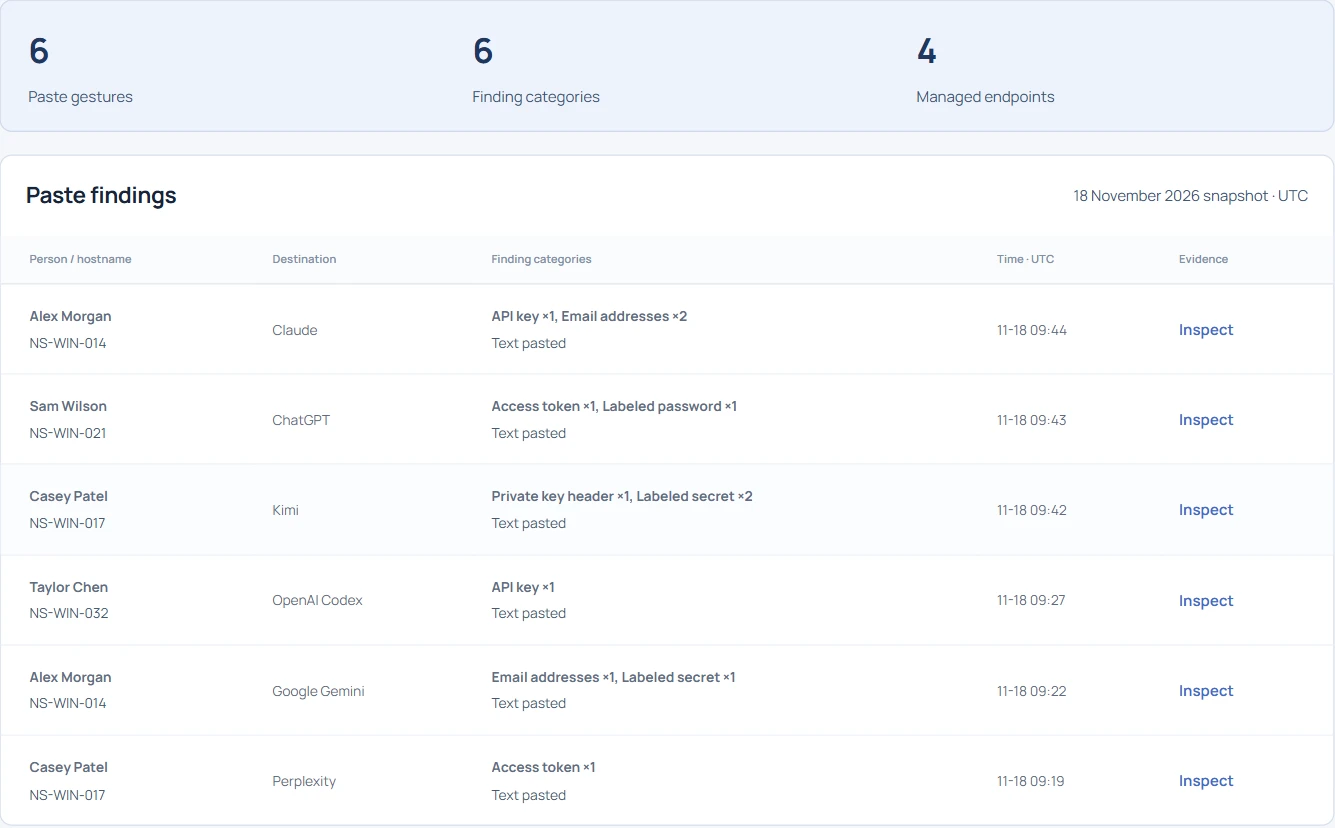
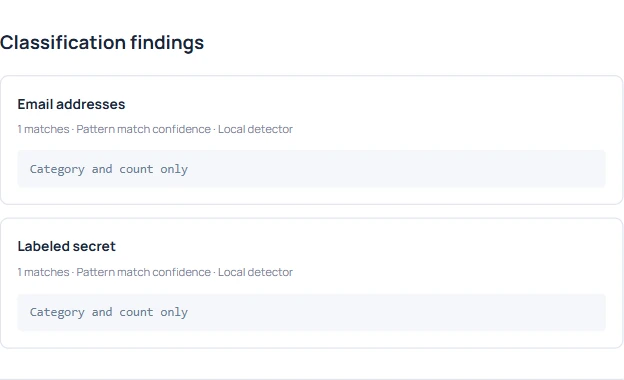
Search for Google Gemini and open the sample from the same hostname. It carries a different receipt ID and its own observation time. Keep it as a separate event even though the device and one category match the Claude example. A filename, hostname or detector label makes a poor deduplication key.
Reconcile the totals in a small table#
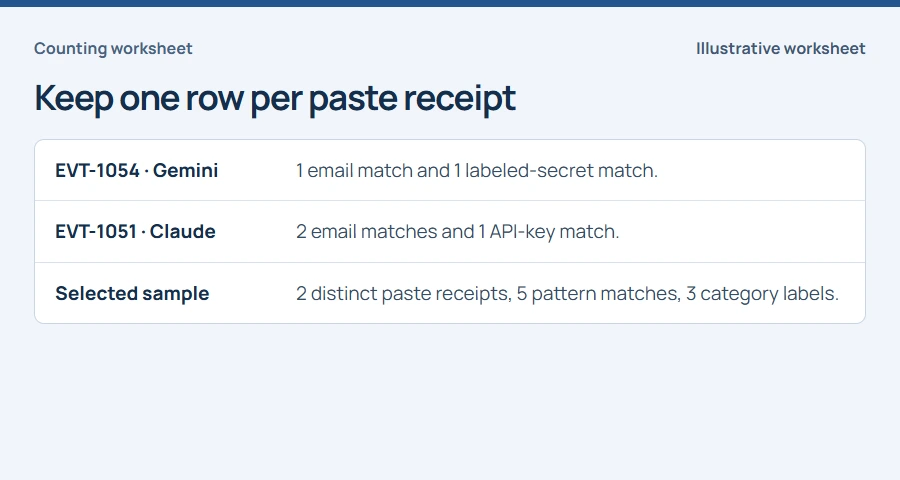
Within these two receipts the distinct category labels are Email addresses, API key and Labeled secret. The same email label appears on both rows. Report the measure alongside its number. Adding category counts gives five matches. Counting distinct receipt IDs gives two observed pastes. Counting affected devices gives one.
Handle overlapping exports and genuine repeats#
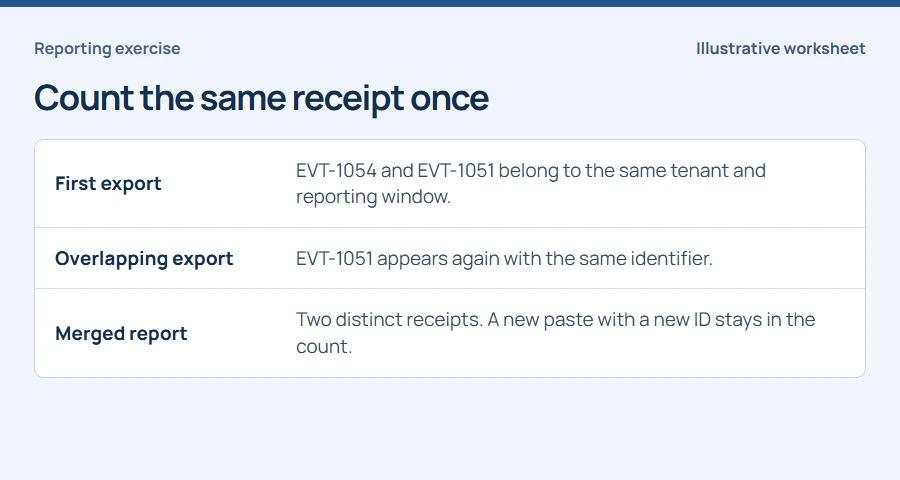
Suppose a second export overlaps the first window by an hour. Combine records by tenant and stable event ID, retain the export dates and check any conflicting fields before counting. Two separately observed gestures can carry identical category counts. Preserve both when they have distinct receipts, then let an analyst decide whether they belong to one case.
What can management take away?#
For the worked example, report two observed pastes with findings on one managed device and five detector matches. The case outcome is pending review. For a weekly report, include device coverage, inspection gaps, scope changes and the count of reviewed cases alongside the event numbers. Raw paste totals cannot establish individual productivity, confirmed data loss or the number of unique secrets.