
Find the device
Search a hostname or account, then open the receipt. Check the time and destination before contacting the team responsible for the device.
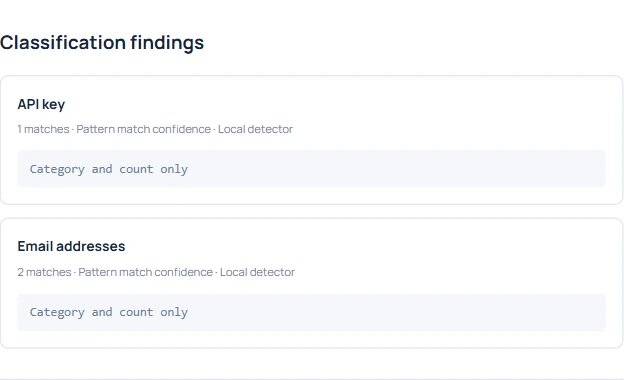
Give the credential owner a place to start. On a supported AI page in Chrome or Edge, a paste can produce a receipt with the account, Windows device, destination and types of sensitive data detected.
Search a hostname or account, then open the receipt. Check the time and destination before contacting the team responsible for the device.
The local detector can recognize key-like patterns, access tokens and labeled password assignments. Example credentials can match too. A paste can be deleted before anyone sends the prompt.
Give the credential owner the receipt ID, time and suspected credential type. If the AI tool was approved, use the paste review worksheet to check the workspace and permitted data with their owners.
One Claude paste in the sample produced three pattern matches. Walk through the investigation, then compare it with a Gemini receipt to work out which totals to report.