A paste finding gives the credential owner a place and time to investigate.
- Look for the credential category alongside the AI destination.
- Separate detection from proof that a prompt was sent.
- Route follow-up to the person who can identify and rotate the credential.
In this article
Find a paste by credential category#
An engineer troubleshooting a deployment might paste several lines of configuration into an AI chat. One paste could contain a token, an email address and an ordinary error message. An investigator needs to know which categories matched and where the paste took place. Copying the configuration into a case-management ticket would create another sensitive record.
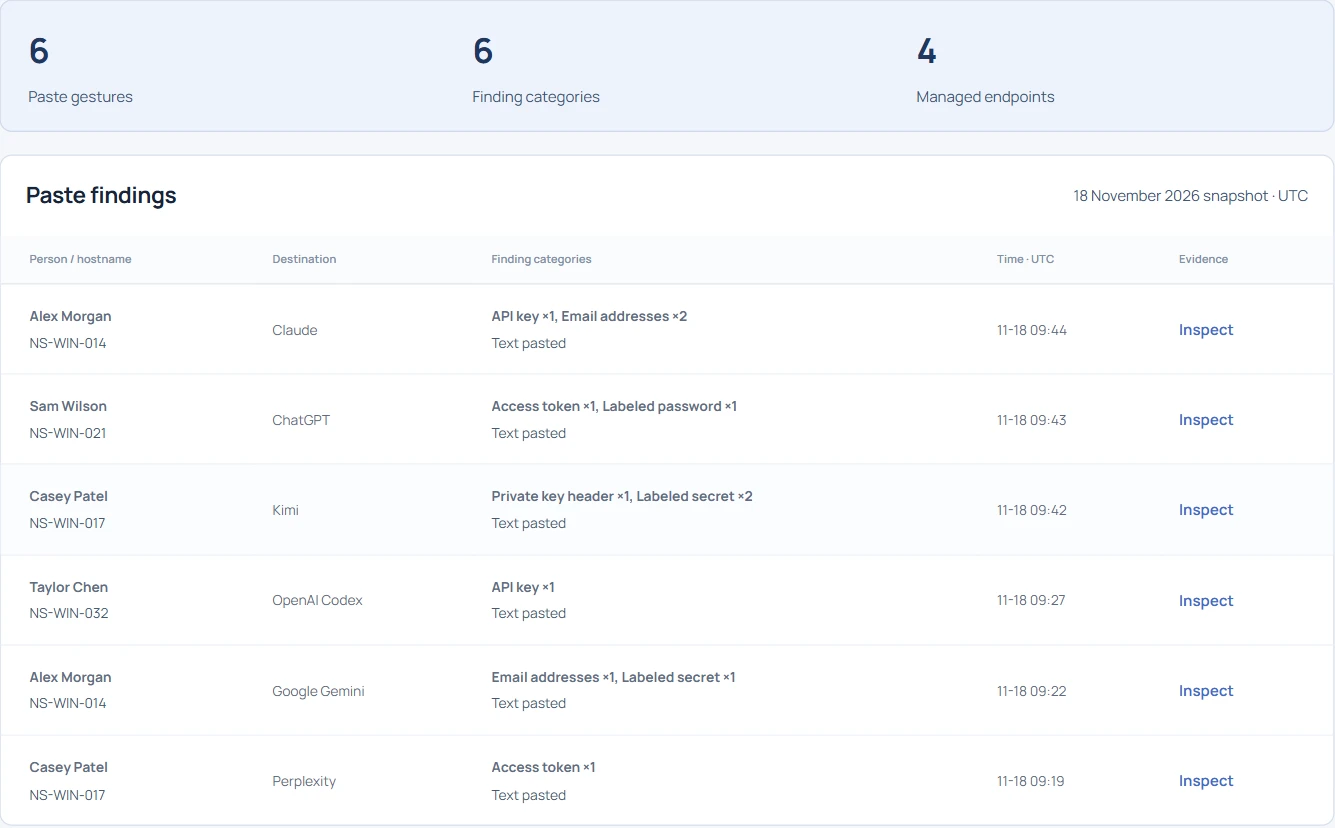
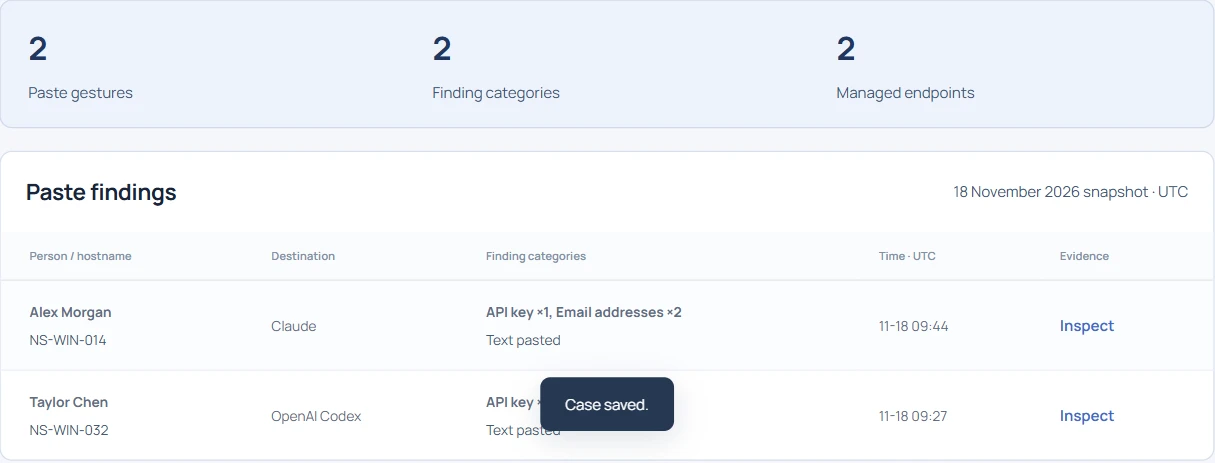
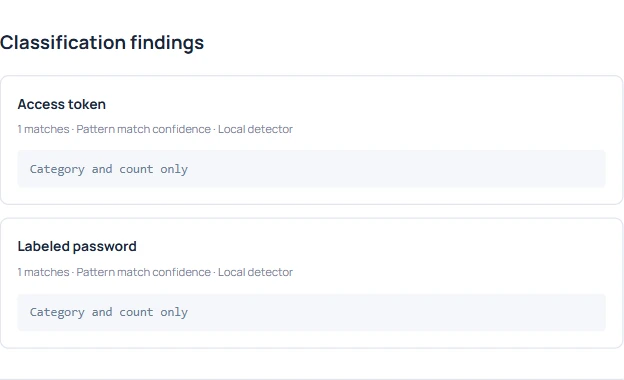
Open Sensitive pastes in the public demo and search API key. The results include separate observations for Claude and OpenAI Codex. Filtering by Perplexity instead shows an access-token pattern.
Read the counts on the Claude receipt#
Inspect Alex Morgan’s Claude result. An API-key pattern and two email-address matches appear together. Record one gesture with two finding categories. Counting this as three exposed credentials would overstate both the number of gestures and what the detector established.
Which secrets can the endpoint recognize?#
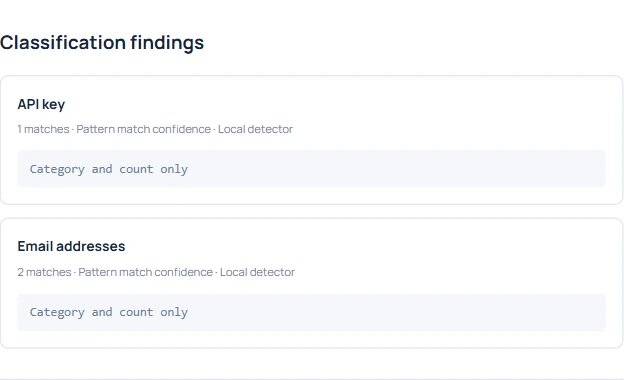
Windows pilot 0.4.0 covers 34 browser products in Chrome or Edge. These include DeepSeek, Hugging Face HuggingChat, Google AI Studio, NotebookLM, Microsoft 365 Copilot Chat and GitHub Copilot on its dedicated web page. Supported credential indicators include recognizable API keys, access tokens, private-key headers and labeled password or secret assignments. The endpoint can report personal-data categories alongside them. The event sent to the dashboard contains categories and counts.
A finding is a pattern match. A private-key header can appear in example documentation, and a labeled password can be a placeholder. Conversely, an unlabeled password may look exactly like an ordinary word. A password-field paste is excluded. The dashboard does not validate credentials by attempting to use them.
Did the user submit the prompt?#
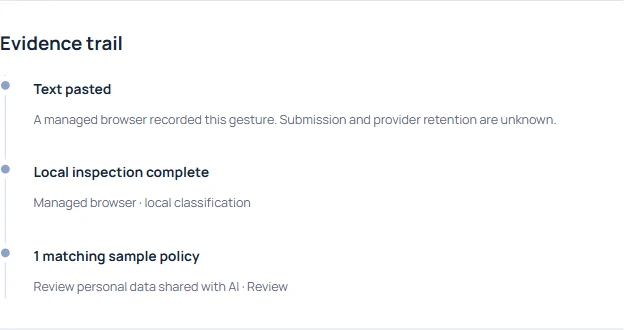
A browser can observe a paste into a composer even if the user immediately deletes the text. Keep the exact action in the incident timeline. Anyone deciding whether to revoke a credential will also want to know who owned it, whether it was active and what its issuer recorded. The paste receipt answers none of those questions alone.
Reconstruct the device context#
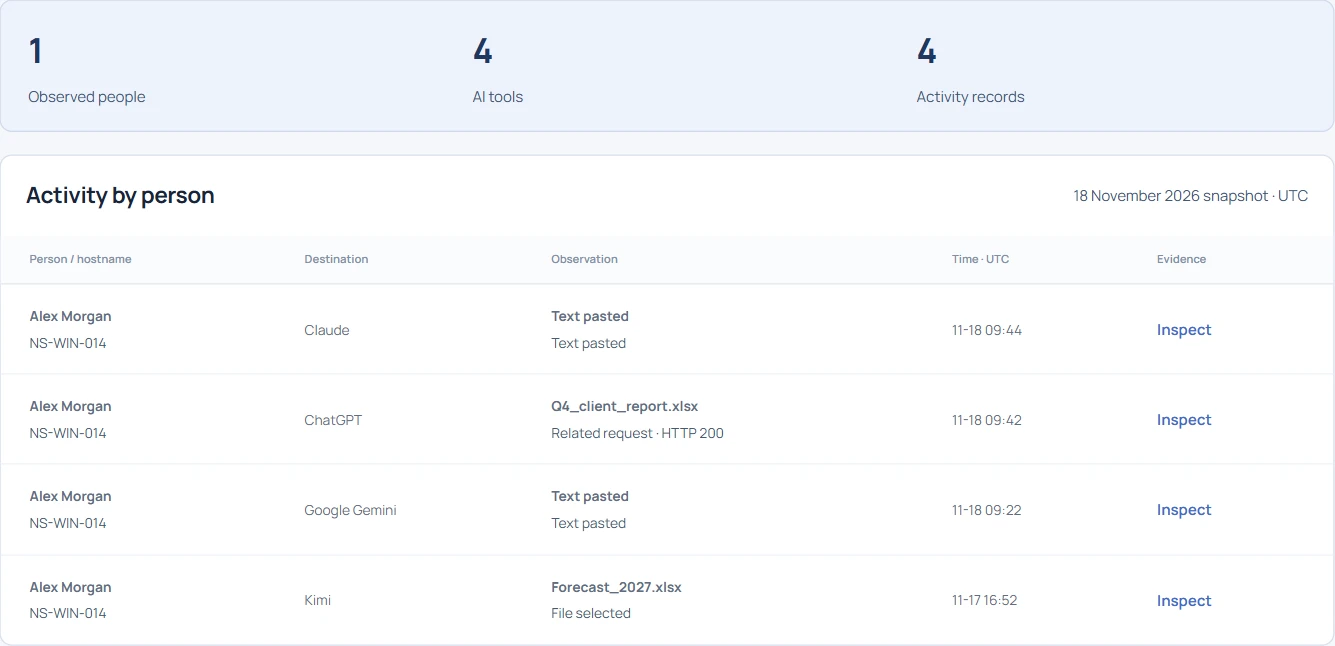
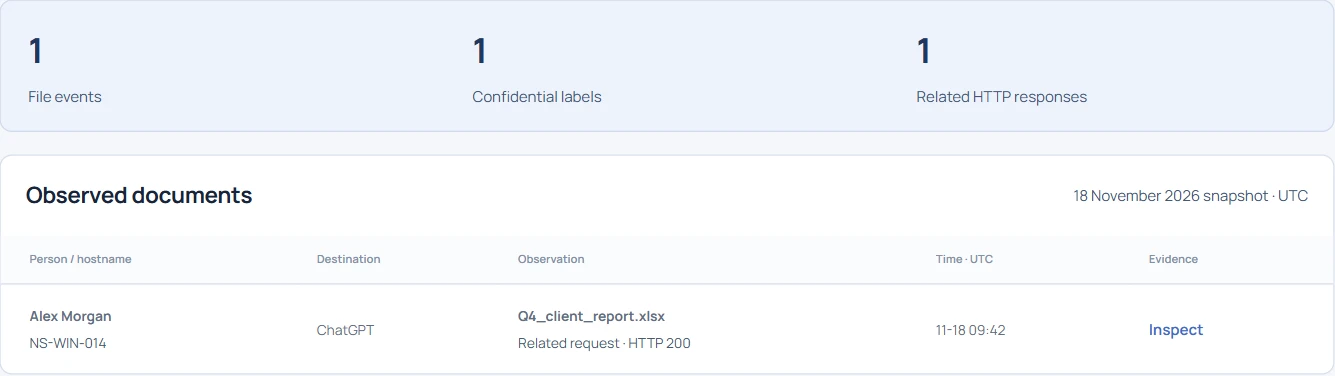
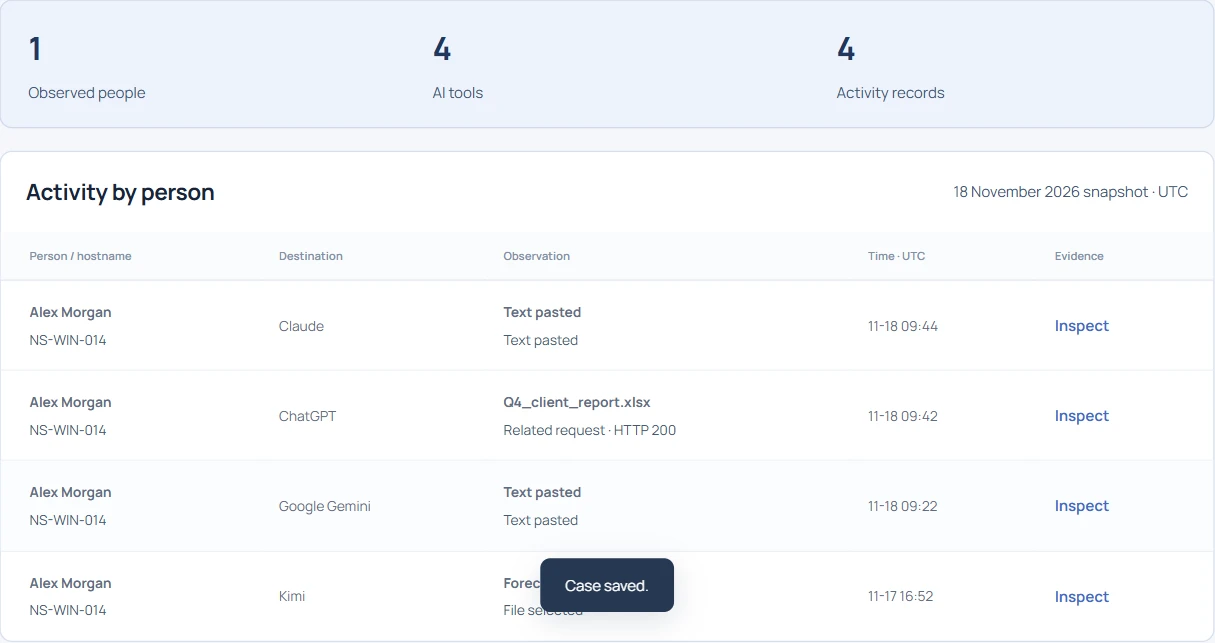
Open Individual AI usage and enter NS-WIN-014. Match the Claude receipt by occurrence time and account. A nearby spreadsheet selection on ChatGPT is a separate event. A shared device or a different signed-in session warrants an identity check before contacting an individual.
Hand the credential owner a usable incident note#
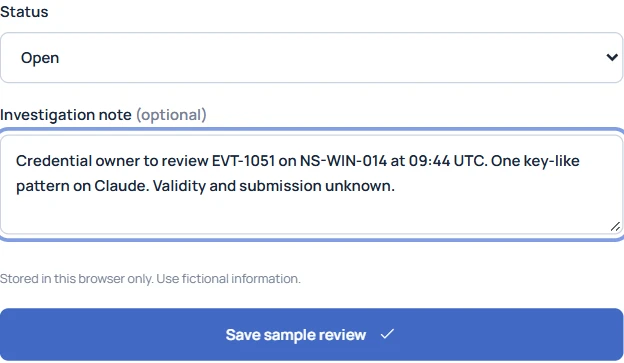
Give the owner the receipt ID, detection time in UTC, AI destination, device and category. Ask which environment and application fit the observation. When the owner answers, record the independent source of the decision and who will follow up.
If a real credential may have been exposed, follow the issuer’s incident procedure for rotation or revocation and check the relevant access logs. Record the decision and event ID in the investigation. Use an inert synthetic fixture for repeat testing and keep the original secret out of notes and exports.