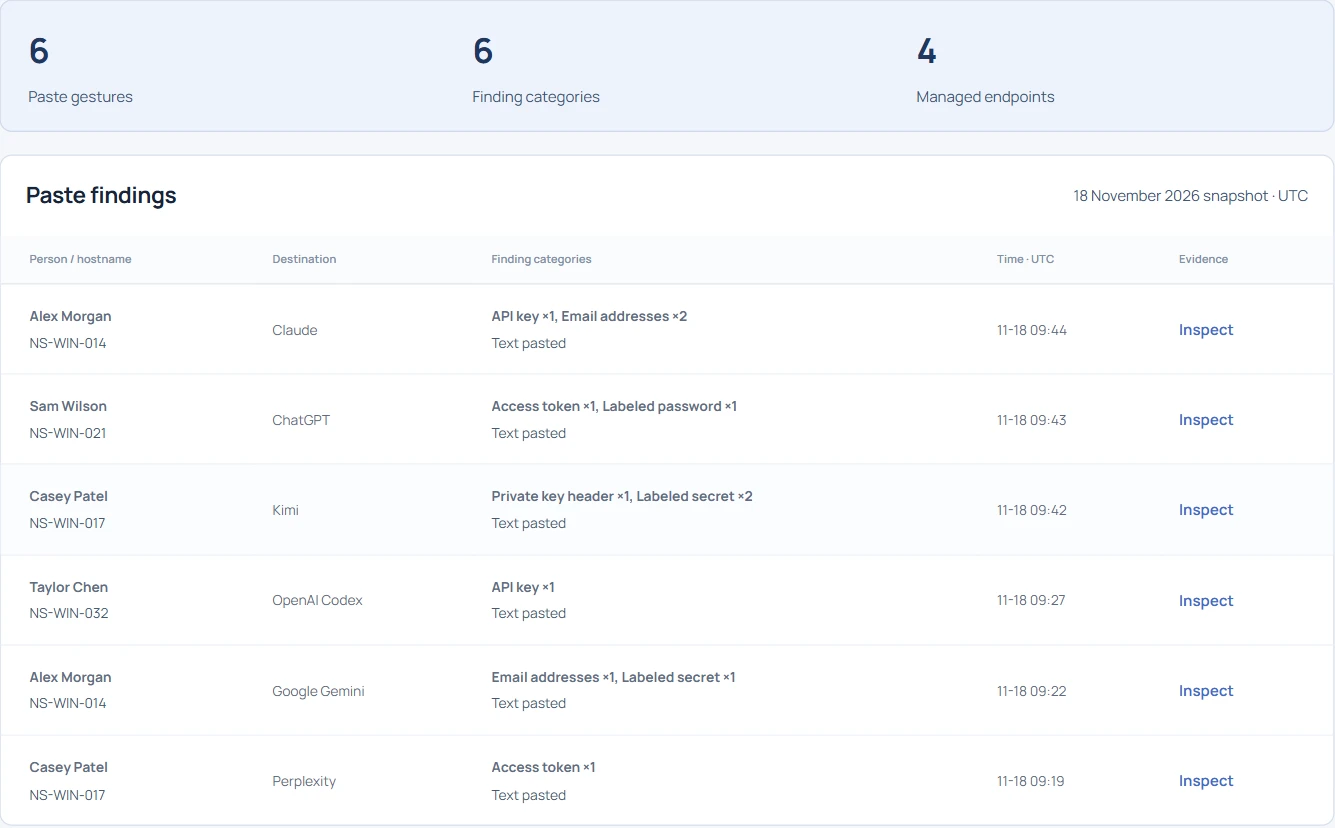
Search the basename first and preserve the distinction between gesture and transfer.
- Find the file, device and destination together.
- Read the action before describing the transfer.
- Request a retained original only when it answers a specific question.
In this article
Start with the filename you actually have#
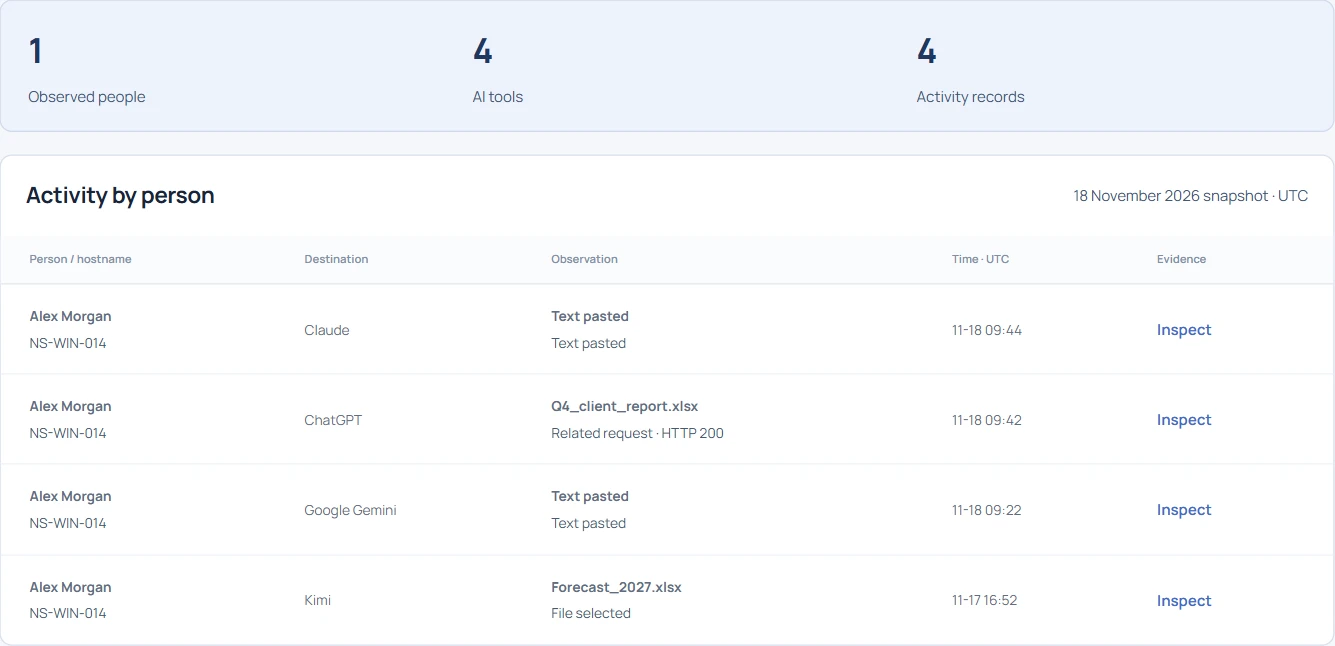
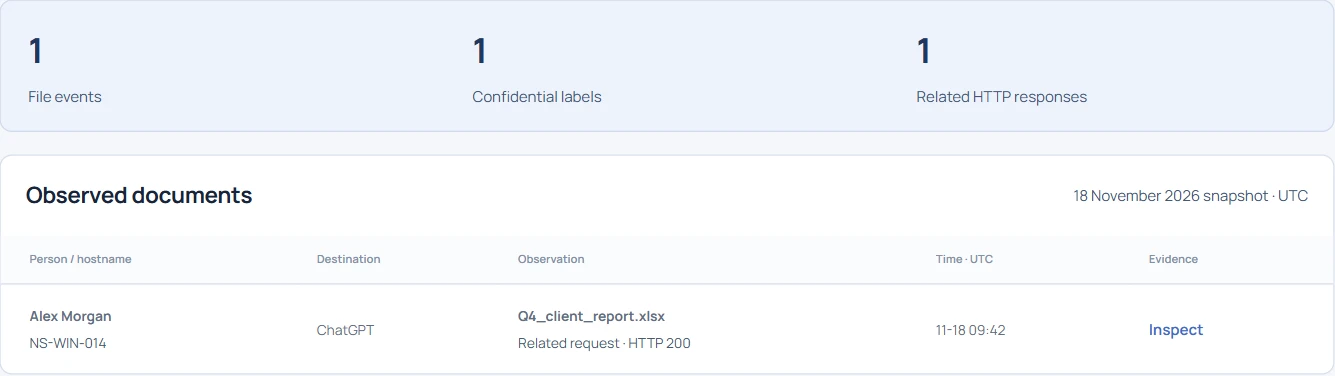
A finance team reports that Q4_client_report.xlsx may have reached an AI service. Open Document evidence in the public demo and search Q4_client. The result shows Alex Morgan, hostname NS-WIN-014 and ChatGPT. Inspect it to see a confidential label, local personal-data findings and the event time. A basename can recur across teams, so retain the device and event ID when recording the finding.
Try searching for the employee or a label as well. The demo searches observed metadata. In the staging workspace, an explicitly enabled endpoint file-text search can help when the filename is unknown. Coverage depends on the agent policy, supported file type and available evidence.
What does the upload evidence establish?#
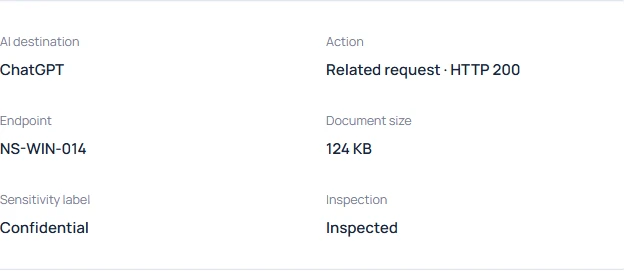
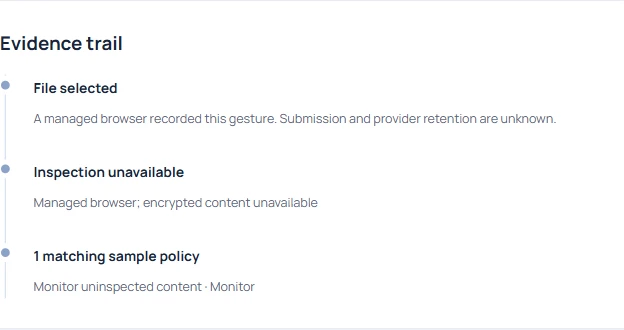
File selected means the browser observed a choice of file. A user can cancel immediately afterwards. For the quarterly report, the fixture also records a related request with HTTP 200. That gives the investigation transport evidence. Whether the provider retained this file, attached it to a particular conversation or made it visible to anyone else remains open.
Which data made this workbook worth reviewing?#
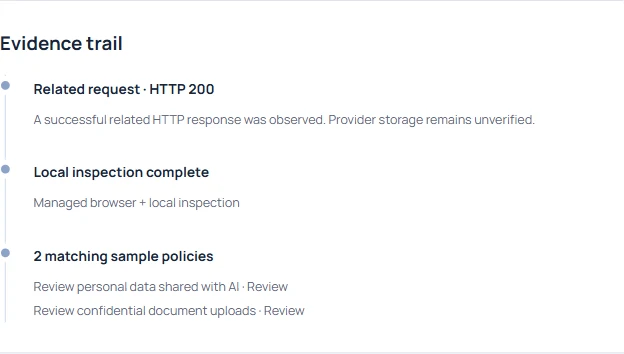
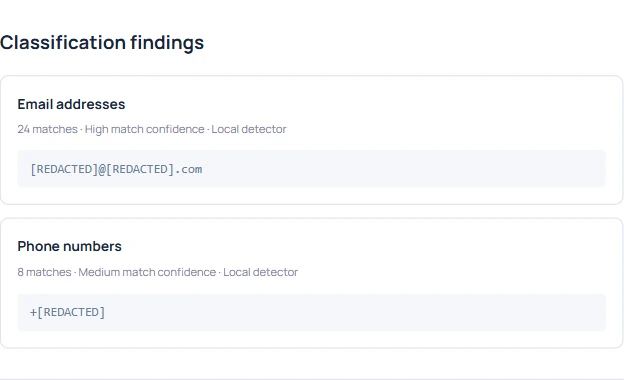
Inspect the classification separately. A sensitivity label supplies business context, and the local inspection identifies the categories found. The Finance reviewer can ask whether the workbook was the customer-contact version using its label, size and receipt. Keep the match counts separate from the number of affected people. The same address can occur on several worksheets.
Compare the evidence on another destination#
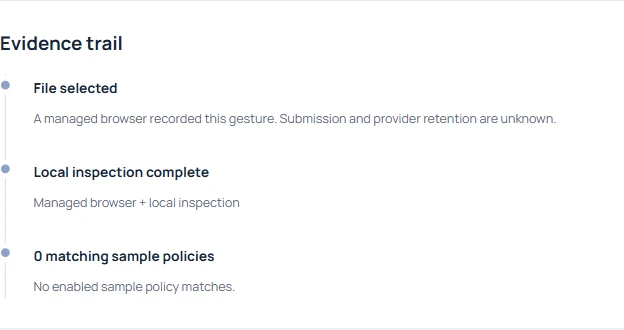
Search Document evidence for Release_notes.txt. The DeepSeek example records a file selection and a local inspection result. The browser saw the filename and size. Whether the user submitted it remains unknown. A similar gesture can be reported on Gemini, HuggingChat or a Cursor web agent. The Windows Cursor process on its own identifies neither a file nor a transfer.
What if the attachment was encrypted?#
Search for Vendor_contract_protected.pdf. The receipt identifies Morgan Reed’s device and a selection on Claude. The inspection could not read the protected document. Leave the classification open and ask the file owner to identify the exact version through an approved channel. An empty list of matches here cannot clear the file.
Review an original and its integrity receipt#
The staging evidence vault retains eligible originals on an enrolled endpoint when capture has been enabled. The per-agent quota evicts the oldest originals as space fills. A receipt can outlive the file. Check reported availability before relying on a future download.
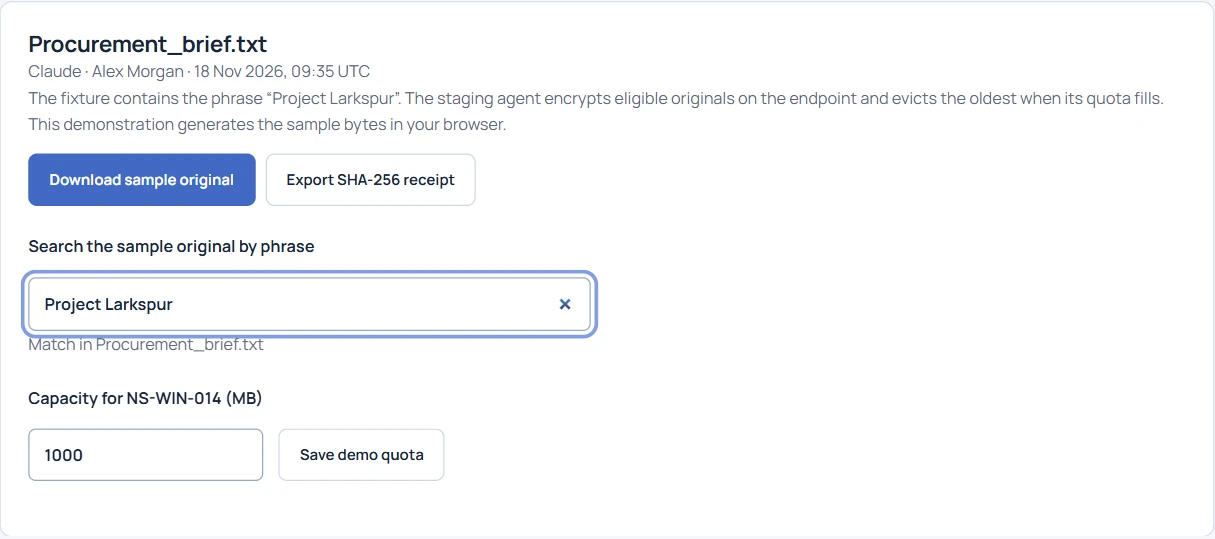
To practice, open Evidence vault in the public demo, download Procurement_brief.txt.evidence and export its SHA-256 receipt. Hash the downloaded bytes and compare the digest with the receipt. The demo creates an unsigned receipt for its fictional file. In staging, the endpoint supplies the signed receipt; the file review depends on an available agent and authorized access.