An unreadable file belongs in the coverage report and may still need a data owner’s review.
- Record what prevented inspection when the receipt gives a reason.
- Count unreadable files separately from completed inspections.
- Keep business classification and transfer outcome as separate questions.
In this article
Find the contract version in question#
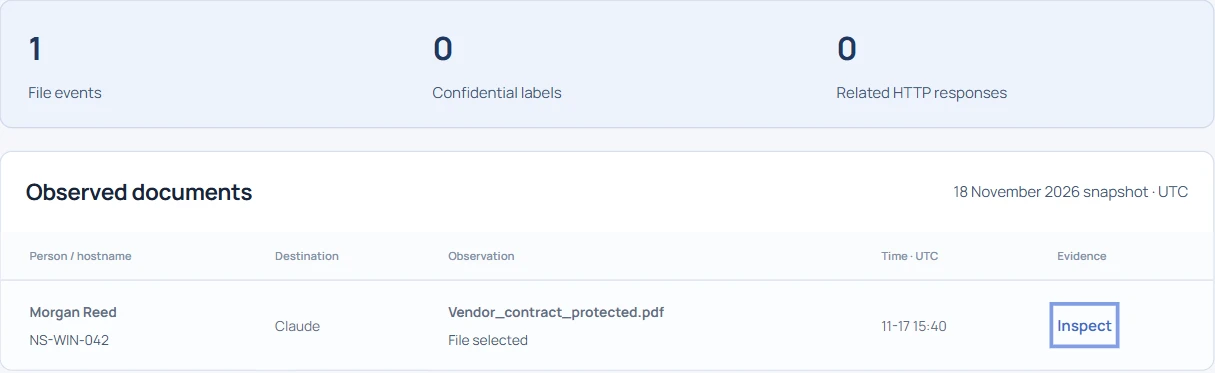
A procurement manager asks whether a supplier contract went into Claude. In the public demo, open Document evidence and search Vendor_contract_protected.pdf. The receipt places a 405 KB file on Morgan Reed’s device, NS-WIN-042, at 15:40 UTC on November 17. Give the owner these details so they can distinguish the signed contract from another draft with the same name.
Read why inspection stopped#
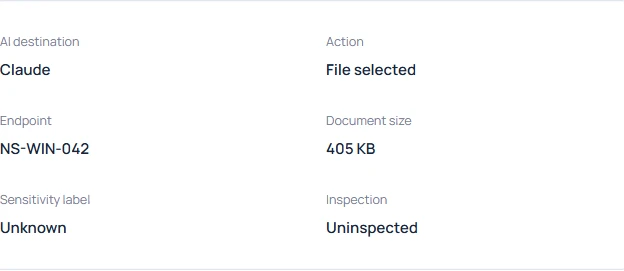
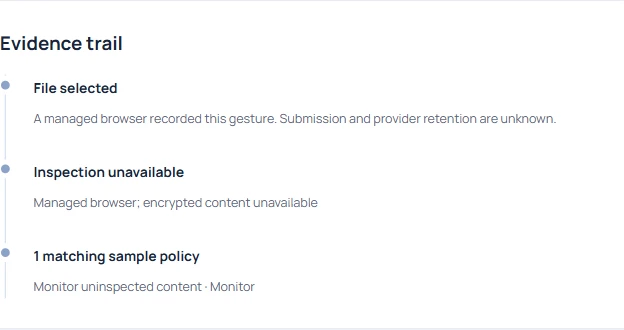
Open the evidence trail. This example explicitly says that encrypted content was unavailable. The filename alone would have been a poor reason to assume encryption. The browser recorded a selection on Claude, while submission and provider retention remain unknown. Keep the reason for missing content and the transfer question in separate fields.
Compare a readable PDF with zero findings#
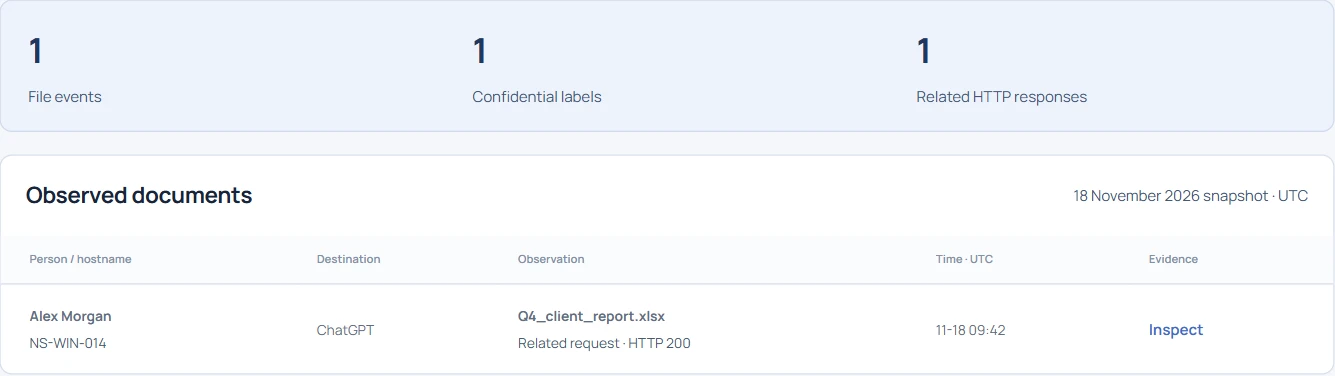
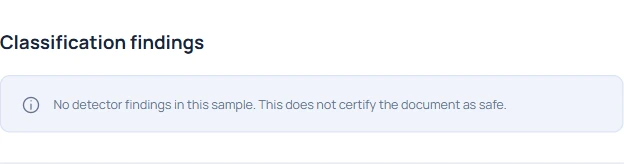
Search Product_brief.pdf and open its receipt. This file passed through inspection and none of the enabled detectors returned a finding. The protected contract never reached that point. If both files go into your report as “zero sensitive documents,” the reader loses the distinction. For these two examples, report one inspected file and one file with unknown contents.
Check what a positive result would look like#
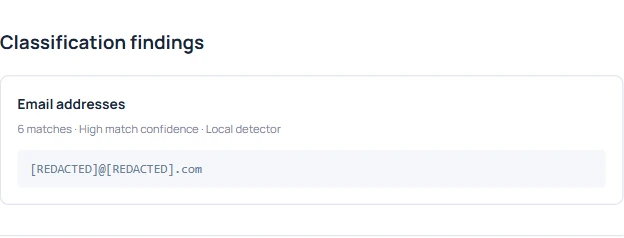
A third lookup, Customer_summary.pdf, returns six email-address matches. If these three distinct PDFs were your entire pilot sample, two were inspected, one of those had a finding and one PDF remained unreadable. That gives Procurement a meaningful denominator. A count of six matches alone cannot establish how many people or documents were involved.
Give the contract its own review#
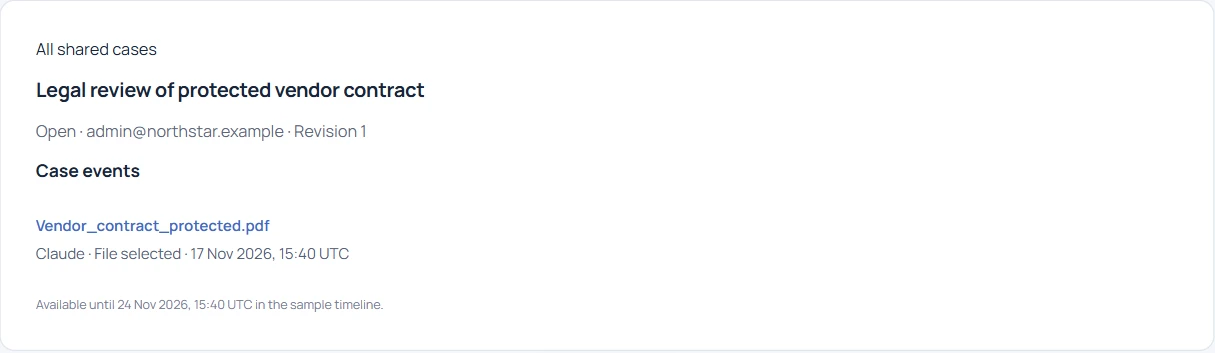
Return to the protected PDF and choose Start a case with this event. Call it “Legal review of protected vendor contract.” Ask the data owner to check the classification of that version in the approved contract repository. If the business question is whether an attachment reached a particular conversation, record who can verify that destination and what evidence they have.
Write down the decision that is still open#
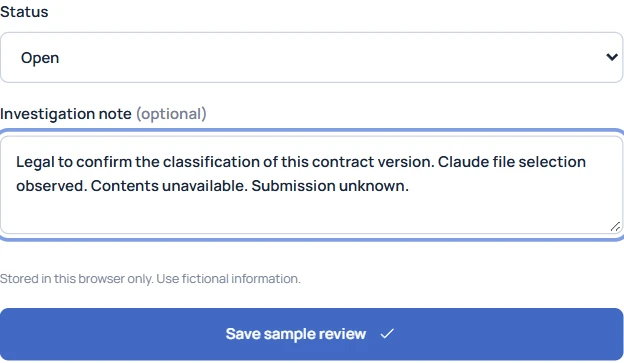
A handoff can fit in three sentences. “Legal to confirm the classification of this contract version. Claude file selection observed. Contents unavailable and submission unknown.” If Legal later confirms the document was restricted, add the source and date of that determination. The original endpoint receipt still describes the same selection and the same inspection gap.