An email finding counts occurrences of address syntax. The data owner can help establish whom the text concerned.
- Compare the occurrence count with the known test input.
- Check the source, session and destination for the receipt.
- Record the finding without copying contact details into a ticket.
In this article
Start with an address you can account for#
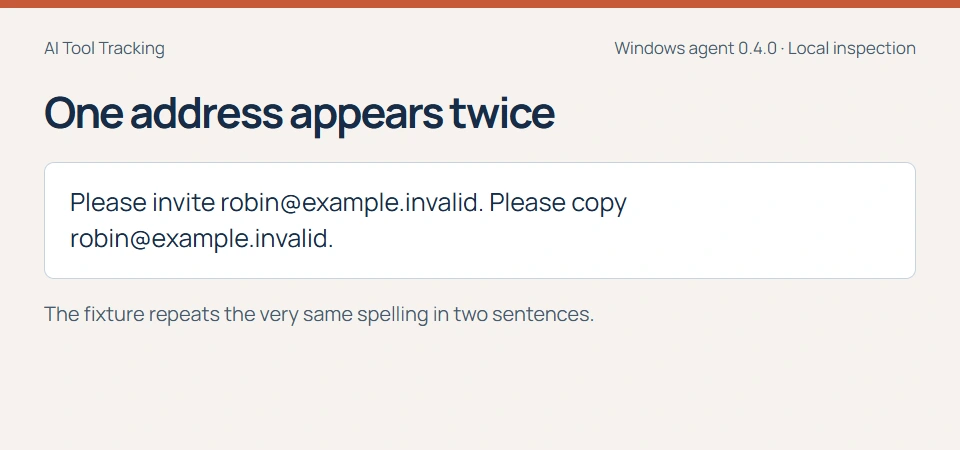
Two email matches on an AI page can sound like two people had their contact details disclosed. Start by testing what the number actually measures. We gave the Windows agent one invented invitation with the same address in two places. We knew exactly how many addresses, spellings and people the exercise represented.
To reproduce this in an enterprise pilot, choose a supported browser destination and a managed test device. Record which account, device and browser you used, along with the time. Use invented addresses so the test itself never places a customer contact in a prompt.
Read the count on the receipt#
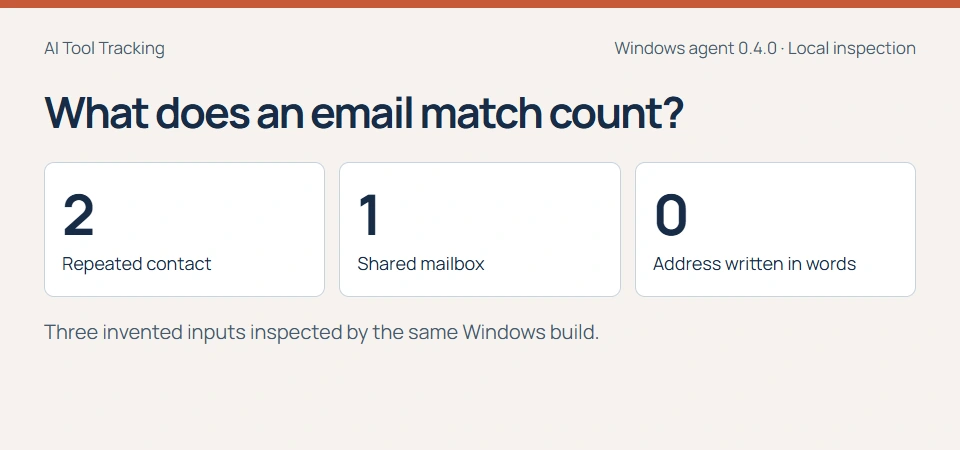
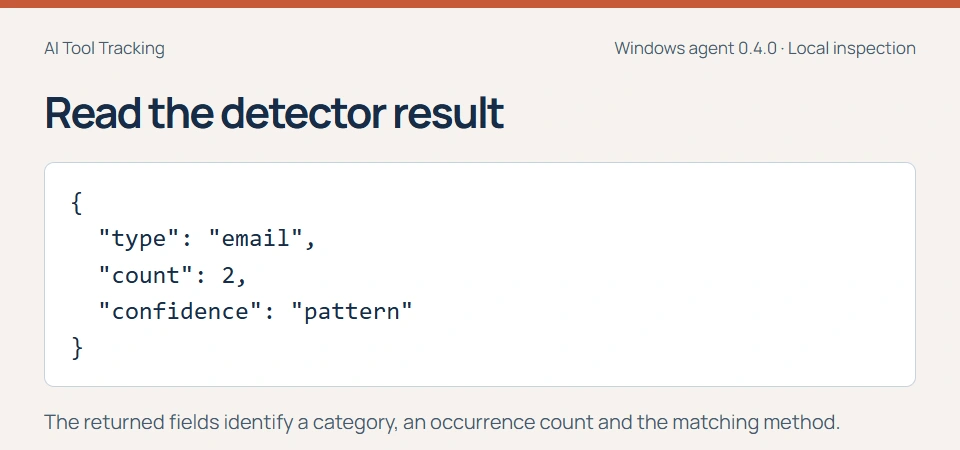
The detector found two occurrences. The repeated string accounted for both. The confidence field says “pattern”, which describes how the detector recognized the text. It gives the reviewer no measure of whether the address belongs to a real customer.
If a manager asks how many people were affected, preserve that as a separate question. The count can help prioritize the receipt. Establishing the number of people requires context about the source and, sometimes, a count from the data owner.
Try a group mailbox and a spelling the rule misses#
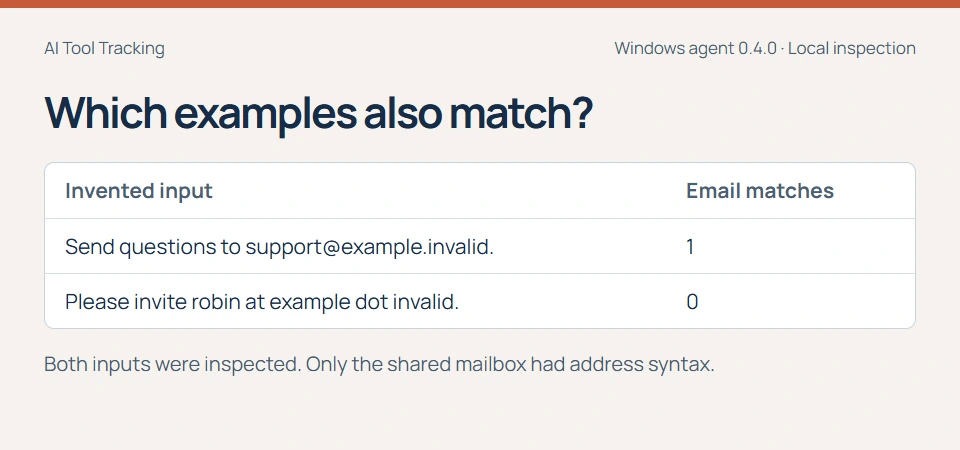
A support alias at the invented domain produced one match, just as a personal-looking mailbox would. A contact written as “robin at example dot invalid” produced zero. A person reading the second string could still recognize a way to reach someone.
Keep two questions in the review form. Did the inspector successfully read the text? Which categories matched? An inspected paste with zero email matches and an unavailable browser observation warrant different follow-up.
Find the email finding on a specific AI page#
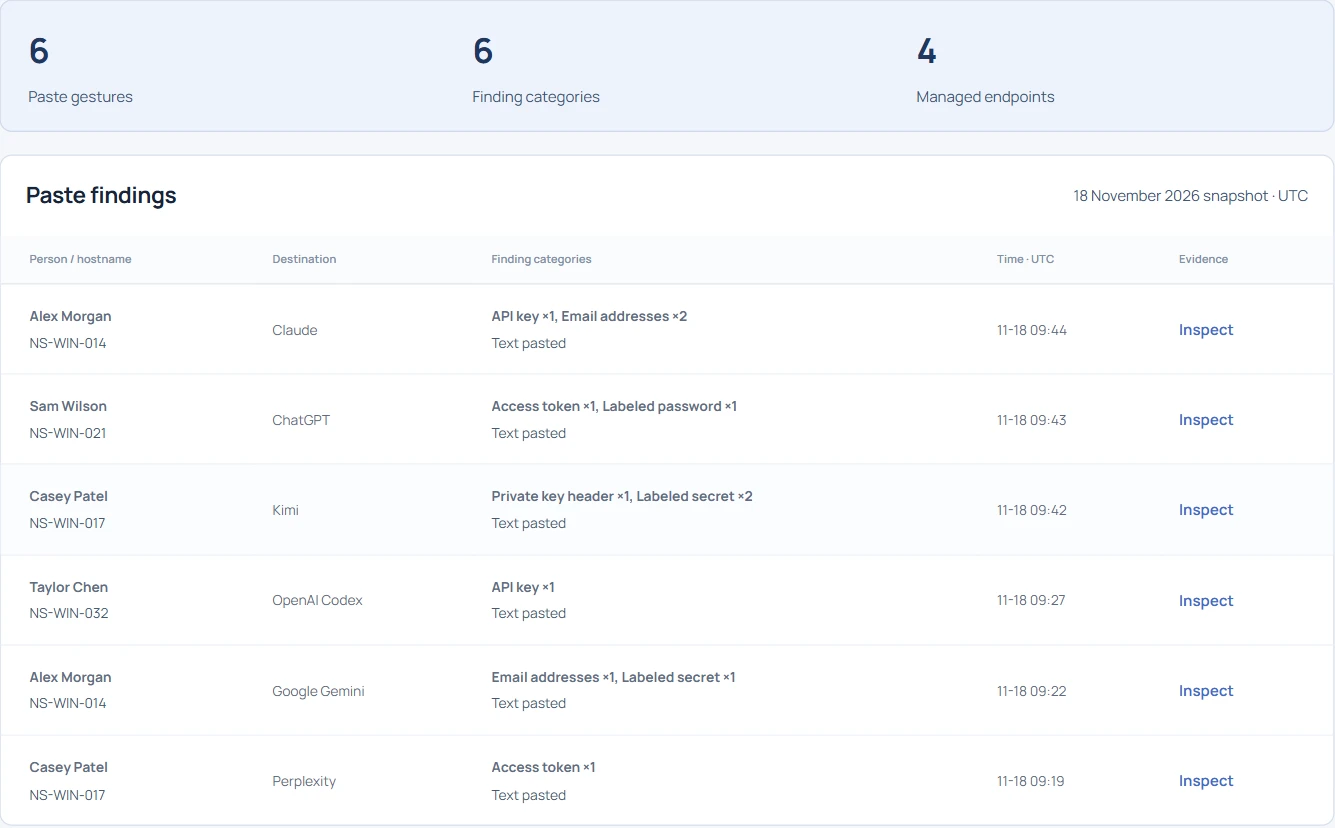
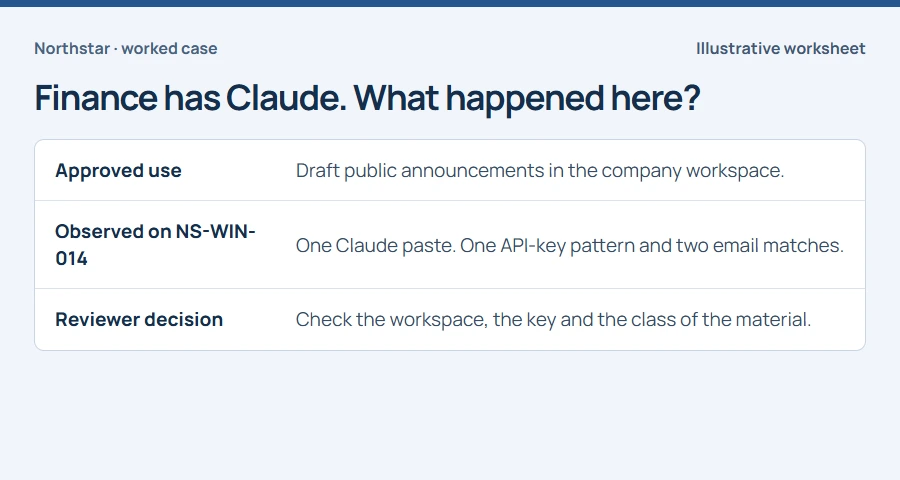
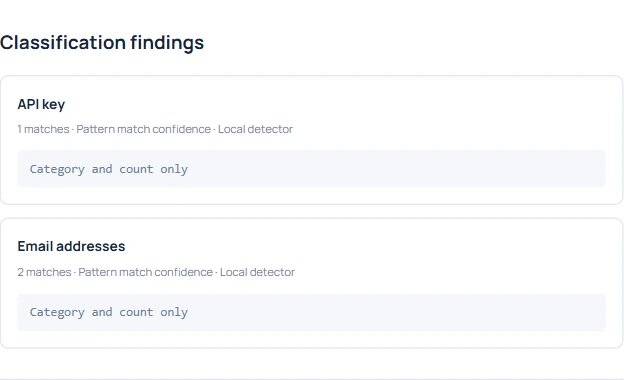
In the public demo, open Sensitive pastes, search for Claude and inspect EVT-1051. The email category has two matches. Another category in the same receipt identifies an API-key pattern. Record the receipt once and route each finding to the owner who can answer it.
In a live review, use the recorded destination, device and time to locate the relevant session. A hostname can identify a shared workstation. Check the session evidence before attributing the action to a particular employee.
Check what happened after the paste#
A user can paste text, edit it and close the page. Write down the observed gesture and its time. If the decision depends on whether someone sent the text, check an authorized provider record for the relevant account and time window where one is available. Leave submission unresolved if that source cannot settle it.
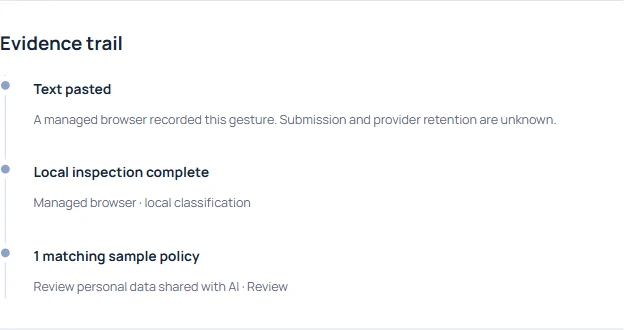
Give the owner a question they can answer#
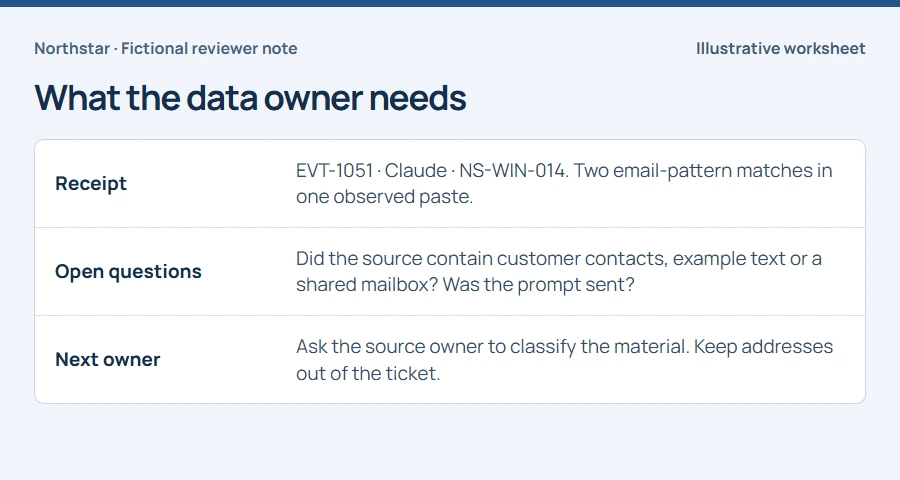
Ask the source owner whether the material was customer data, a shared support address or a training example, and whether that class of material was permitted in the AI workspace. Include the receipt ID, destination, time and device reference through the approved case channel.
Record who answered and which evidence informed the decision. For a training example, that might be a reference to an approved exercise. For customer material, route the case through the organization’s data-handling process and keep any unanswered delivery question visible.