The action field tells you how each coding tool was observed.
- Look up the assigned device and event time.
- Use a process observation for your software inventory.
- Give the owner the specific paste or file receipt for follow-up.
In this article
What did the Cursor desktop agent observe?#
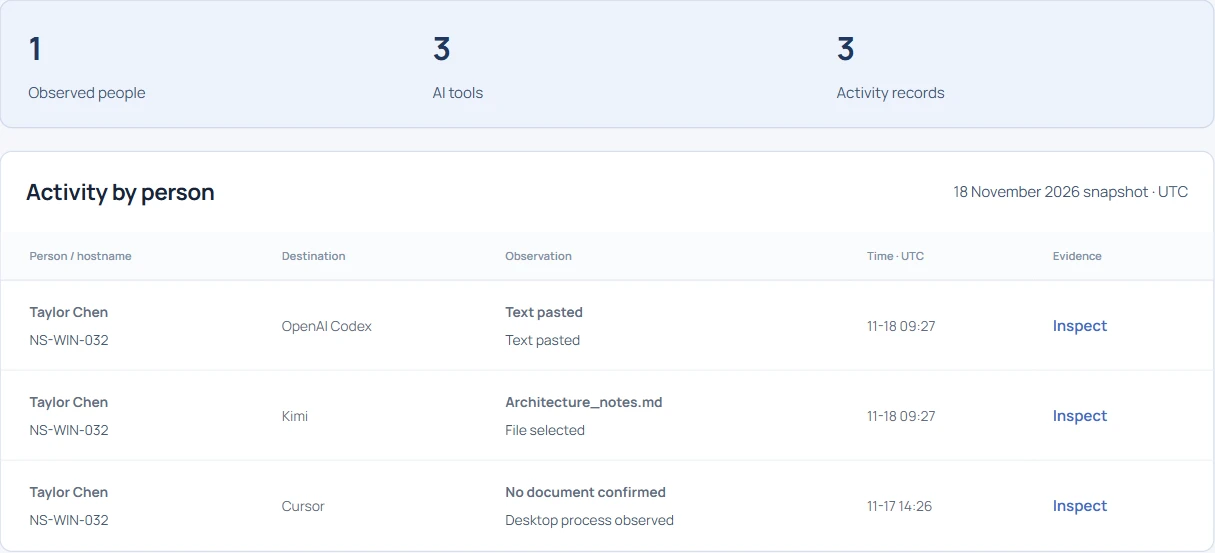
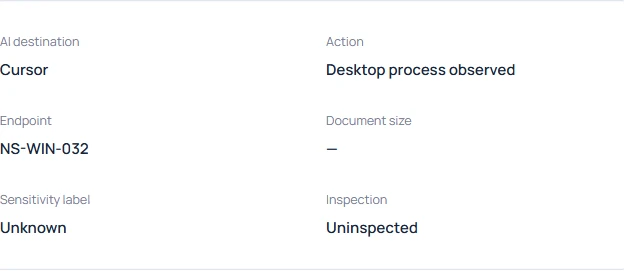
In the fictional Northstar workspace, open Individual AI usage and search for NS-WIN-032. Open the Cursor row from November 17. Its action is “Desktop process observed.” IT can include Cursor in the observed software inventory for that device and date. The record leaves active editing time, repository, model, prompts and use of AI completions unknown. An editor left open through lunch can produce the same kind of observation.
Repeat the desktop test with a second editor#
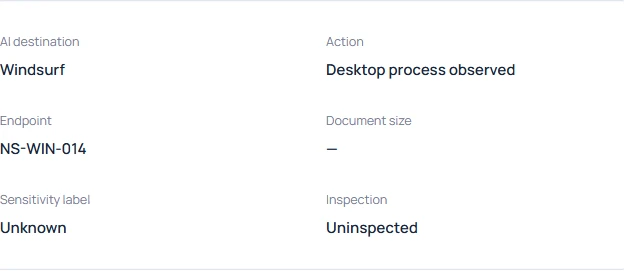
Use the Windsurf process simulation linked below and create the event. Compare the action and document fields with the Cursor receipt. This exercise gives the pilot team a precise acceptance test. On an enrolled test machine, record a time window, start the approved editor and check whether a matching process observation arrives. Record a missed observation as a coverage issue.
Which Codex activity came from the browser?#
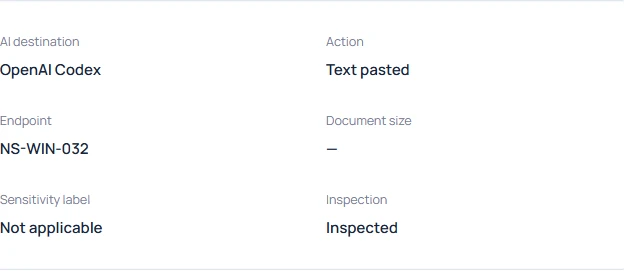
Return to the original hostname and open the OpenAI Codex record dated November 18. Here the action is “Text pasted.” The browser extension observed a gesture on the supported Codex page. That detail matters when Engineering asks whether a developer used the web interface or the command line. This event can answer the web question. It supplies no record of a terminal command or the model’s response.
Read the detector count before contacting the owner#
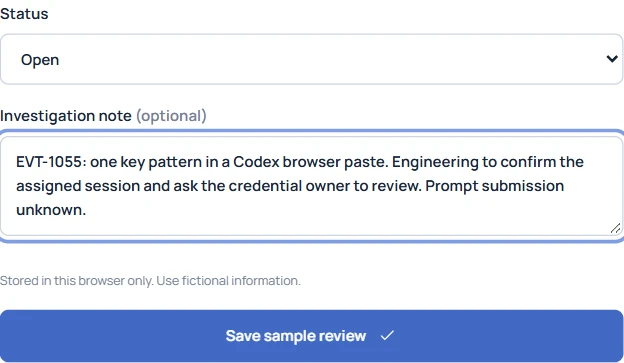
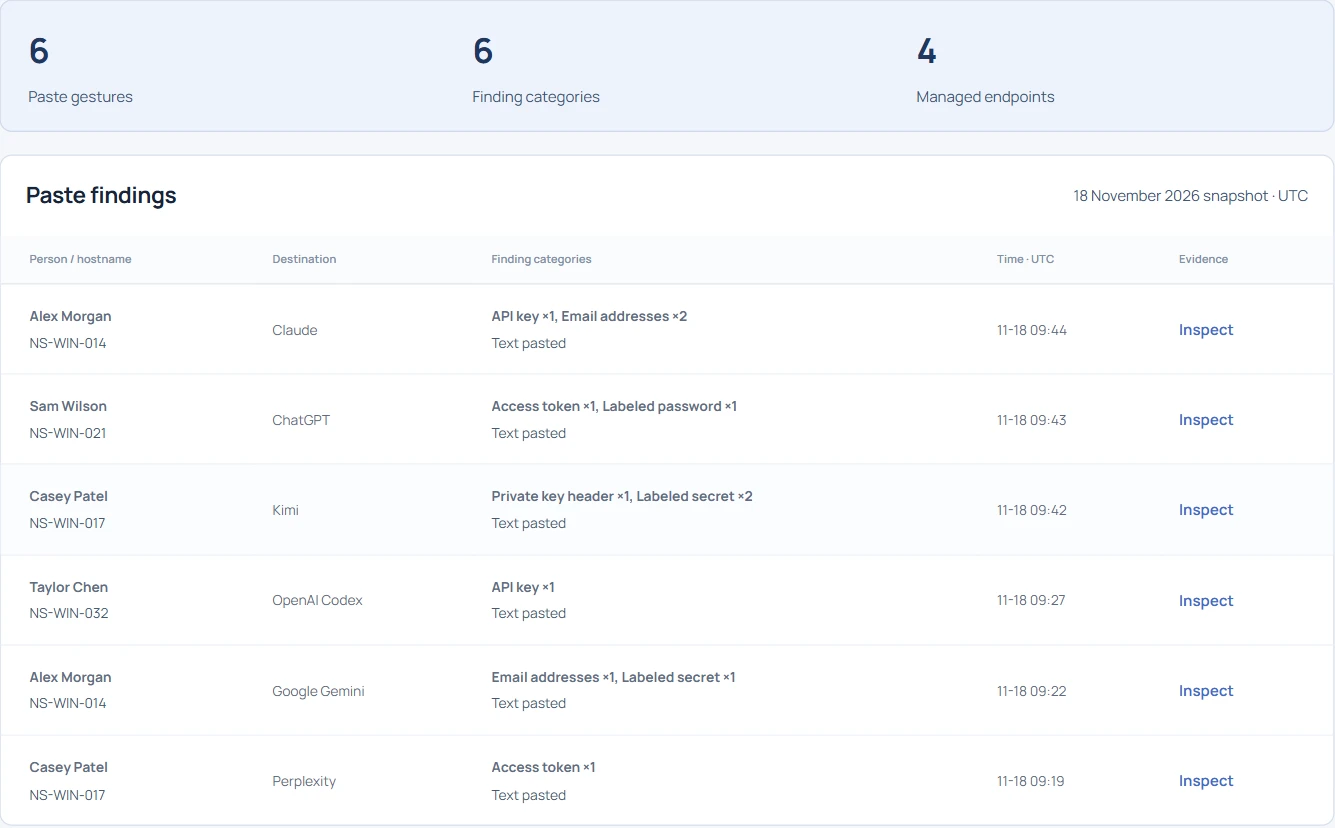
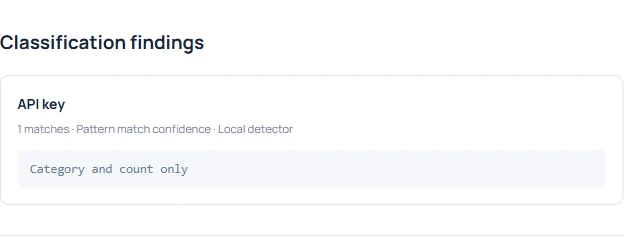
The classification panel shows one API-key pattern. Give the credential owner the event ID, UTC time and device so they can check their own records. The user could have deleted the draft, and a test string can match a detector. Keep the credential value out of tickets and investigate validity through the owner’s usual incident process.
Did the architecture file go to the coding assistant?#
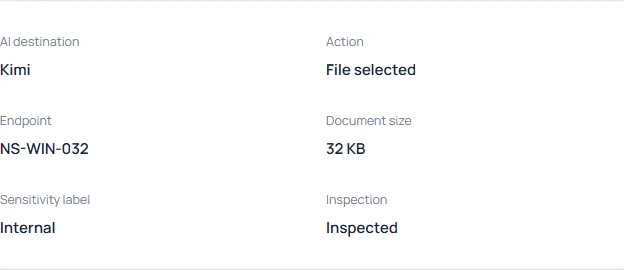
The hostname search also returns Architecture_notes.md at 09:27 UTC. Read its destination before joining it to the Codex event. The browser recorded a selection on Kimi. The timestamp and hostname help you find both events, but neither receipt says that the Codex paste contained text from this file. Keep each action paired with its destination in the report.
Write the conclusion an engineering lead can act on#
Report Cursor as a process observation on November 17. Record the Codex paste and the Kimi selection as separate browser gestures on November 18. Ask Engineering to confirm who held the Windows session at the event time. If the question is how many developers actively use AI completion, collect an appropriate usage measure from the approved tool. This three-row endpoint timeline answers a different question.